
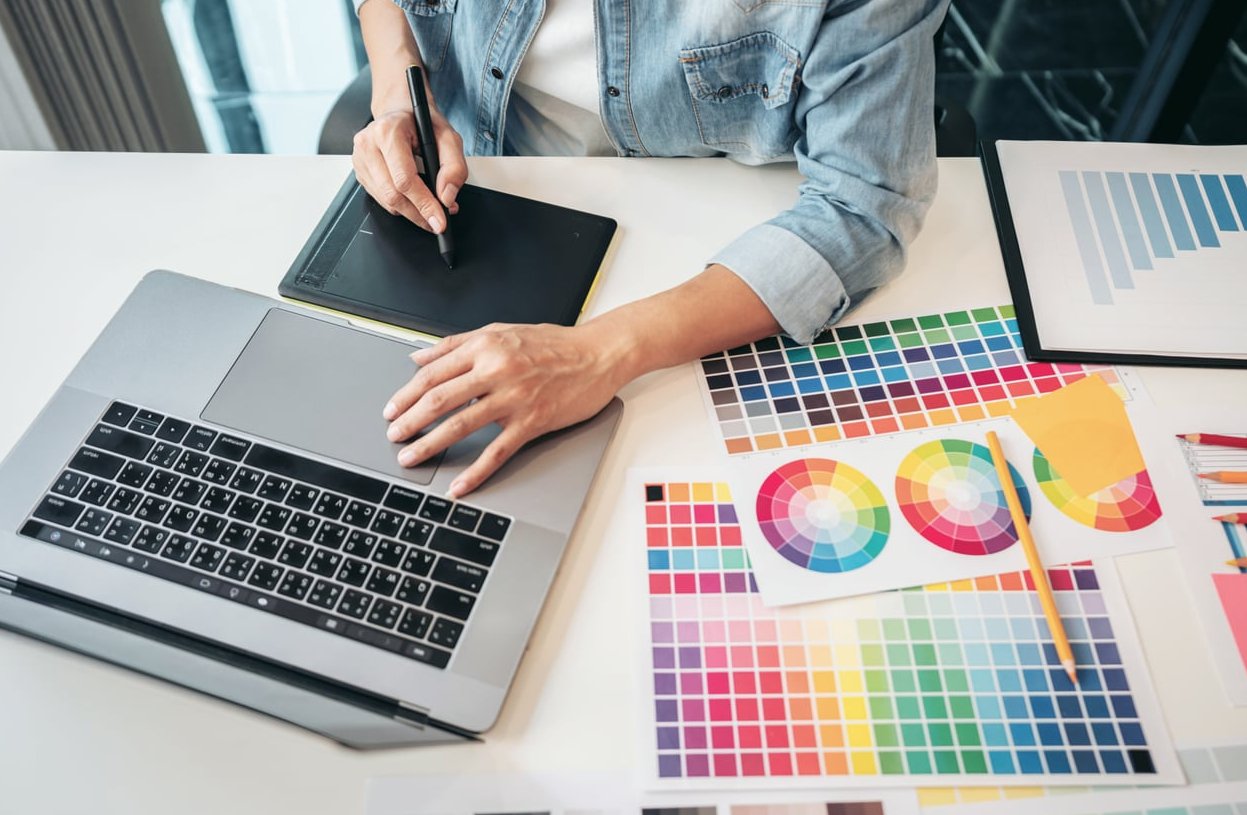
Every designer I know has had that moment: staring at a blank artboard, deadline looming, wondering if the AI hype is actually going to help or just make everything look the same. The truth is somewhere in the middle. AI tools for graphic design workflow can genuinely cut hours off your process, but only if you treat them as collaborators rather than replacements for your creative judgment.
This guide walks through exactly where AI fits (and where it doesn’t) across each stage of a real design project, with concrete examples you can steal for your own workflow starting today.
Why Most Designers Get AI Integration Wrong
The common mistake is trying to use AI to finish designs. That’s where output starts looking generic and portfolios begin to blur together. The designers producing standout work in 2026 are using AI in the messy middle: exploration, iteration, and grunt work. Your creative voice lives in the decisions you make, not in every pixel you push.
Here’s the mental model I recommend: AI accelerates the boring, you own the interesting.
Mapping AI Tools to Each Stage of the Design Process
Before we get into specific workflows, here’s a quick overview of where each tool actually earns its keep:
| Stage | Best AI Tool | Time Saved |
|---|---|---|
| Brief analysis and ideation | ChatGPT / Claude | 1 to 2 hours |
| Moodboards and visual research | Midjourney | 3 to 4 hours |
| Asset generation and variations | Adobe Firefly | 2 to 5 hours |
| Copy and microcopy | ChatGPT | 1 to 3 hours |
| Resizing and format adaptation | Firefly / Canva AI | 2 hours |
| Prototyping | Figma Make | 4 to 8 hours |
Stage 1: Ideation Without Losing Originality
The riskiest place to use AI is at the very beginning, because whatever direction you take here shapes everything downstream. If you ask ChatGPT for “5 concepts for a coffee brand,” you’ll get five concepts every other designer is also getting.
The Better Approach
Use ChatGPT as a brief interrogator, not an idea generator. Paste the client brief and ask it to:
- Identify contradictions or unclear requirements
- List three assumptions the brief makes about the audience
- Suggest questions you should ask the client before starting
- Summarize the emotional territory the brand should own
This gives you sharper thinking without outsourcing your creativity. The ideas still come from you, but you’re working from a clearer foundation.
Prompt Example
“Here is a brief for a specialty coffee brand targeting remote workers aged 28 to 40. Act as a senior strategist. What are the three weakest assumptions in this brief? What emotional territory is unclaimed in this category?”
Stage 2: Building Moodboards with Midjourney
This is where AI genuinely shines. Traditional moodboarding meant hours on Pinterest, Behance, and Are.na hoping to find references that match a vibe you can barely describe. It is argued more carefully on figma.com.
With Midjourney you can generate reference imagery that matches the exact mood in your head, without borrowing another designer’s aesthetic.
A Workflow That Works
- Write out five adjectives that describe the direction (example: warm, precise, nostalgic, quiet, confident)
- Generate 12 to 16 reference images per direction using varied prompts
- Combine AI images with real photography and existing design references in Figma
- Present two or three distinct directions to the client, never just one
Important: never use Midjourney outputs as final assets in client work without checking licensing terms and being transparent about how they were made.
Stage 3: Variations and Asset Generation with Firefly
Once you have a direction locked, Adobe Firefly becomes your production workhorse. Because it’s trained on licensed content, it’s the safest option for commercial work.
Where Firefly Actually Saves Time
- Generative Fill: extending backgrounds for different aspect ratios
- Text to Image: creating supporting graphics that match a defined style
- Generative Recolor: testing palette variations on vector assets in seconds
- Object removal: cleaning up stock or client-supplied photography
The rule I follow: if the AI output would be visible for less than 3 seconds in the final piece, use AI. If a viewer will study it, design it yourself. A step-by-step version exists if you prefer that format.
Stage 4: Copy and Microcopy
Designers write more copy than they admit. Button labels, empty state messages, alt text, error messages, headlines for social carousels. ChatGPT handles this beautifully if you feed it your brand voice.
The Voice Document Trick
Create a one-page “voice guide” for each brand you work on. Include:
- Three words that describe the tone
- Three words that describe what the brand is not
- Five example sentences the brand would write
- Five sentences the brand would never write
Paste this at the top of every ChatGPT session. Your outputs will stop sounding like generic AI copy and start sounding like the brand. adobe.com walks through the specifics.
Stage 5: Format Adaptation and Delivery
The unglamorous end of every project: turning one design into 47 different sizes for social, display ads, email headers, and print. Canva AI and Firefly’s smart resize handle this well for straightforward layouts.
For complex layouts, use AI as a starting point and clean up manually. Nothing kills brand consistency faster than an autoresized layout with mangled typography going live because nobody checked.
A Full Workflow Example: Brand Campaign in Two Days
Here’s how a real two-day sprint might look using this approach:
Day 1 Morning
- ChatGPT to interrogate the brief and sharpen strategy (45 minutes)
- Sketch and think without any AI (2 hours)
- Midjourney to build three moodboard directions (1 hour)
Day 1 Afternoon
- Present directions internally, pick one (1 hour)
- Design the hero layout manually in Figma (3 hours)
Day 2 Morning
- Firefly to generate supporting textures and background variants (1 hour)
- Manually refine and integrate assets (2 hours)
- ChatGPT for headline variations and microcopy (30 minutes)
Day 2 Afternoon
- Adapt to all required formats using smart resize plus manual cleanup (2 hours)
- Final review and delivery (1 hour)
The same project without AI would typically take four to five days. The quality doesn’t drop because every creative decision is still yours.
How to Protect Your Creative Voice
Some habits that keep your work distinctive even as you lean on AI:
- Sketch before you prompt. If your first move is opening Midjourney, you’ve already lost the battle
- Never accept the first output. The interesting stuff is usually 20 generations in
- Mix AI with hand-crafted elements. A custom illustration, hand lettering, or unique photo treatment makes AI-assisted work feel human
- Keep a swipe file of your own work. Reference yourself, not just the internet
- Do at least one project per quarter with no AI at all. Your craft needs the exercise
FAQ
Is it ethical to use AI-generated images in client work?
It depends on the tool and the use case. Adobe Firefly is designed for commercial safety because it’s trained on licensed content. Midjourney has more legal gray areas. Always check current terms of service, and be transparent with clients about your process.
Will AI replace graphic designers?
No, but designers who use AI well will replace designers who don’t. The role is shifting toward creative direction, taste-making, and strategic thinking. Pure production skills are becoming less valuable while judgment is becoming more valuable.
What’s the best AI tool if I can only pick one?
For most working designers, Adobe Firefly integrated into Photoshop and Illustrator delivers the most consistent value because it fits into workflows you already use. If you don’t have Creative Cloud, Canva AI is the most practical all-in-one option.
How do I stop my AI-assisted work from looking generic?
Use AI for building blocks, not finished pieces. Combine AI outputs with hand-crafted elements. Write specific, unusual prompts instead of generic ones. And most importantly, keep sketching by hand at the start of every project.
Do I need to tell clients I used AI?
Yes, and increasingly clients are asking directly. Being upfront about which tools you used, and where, builds trust. Most clients care more about results than process, but they hate being surprised.
Final Thought
The designers who will thrive over the next decade aren’t the ones who resist AI or the ones who surrender to it. They’re the ones who develop a personal philosophy about where AI fits into their process and stick to it. Your creative voice is a muscle. Use AI to skip the busywork, but keep flexing that muscle on the decisions that matter.
0 Comments